
TimeGuide brings your tasks and calendars together on one dynamic timeline, so you always know what's next.
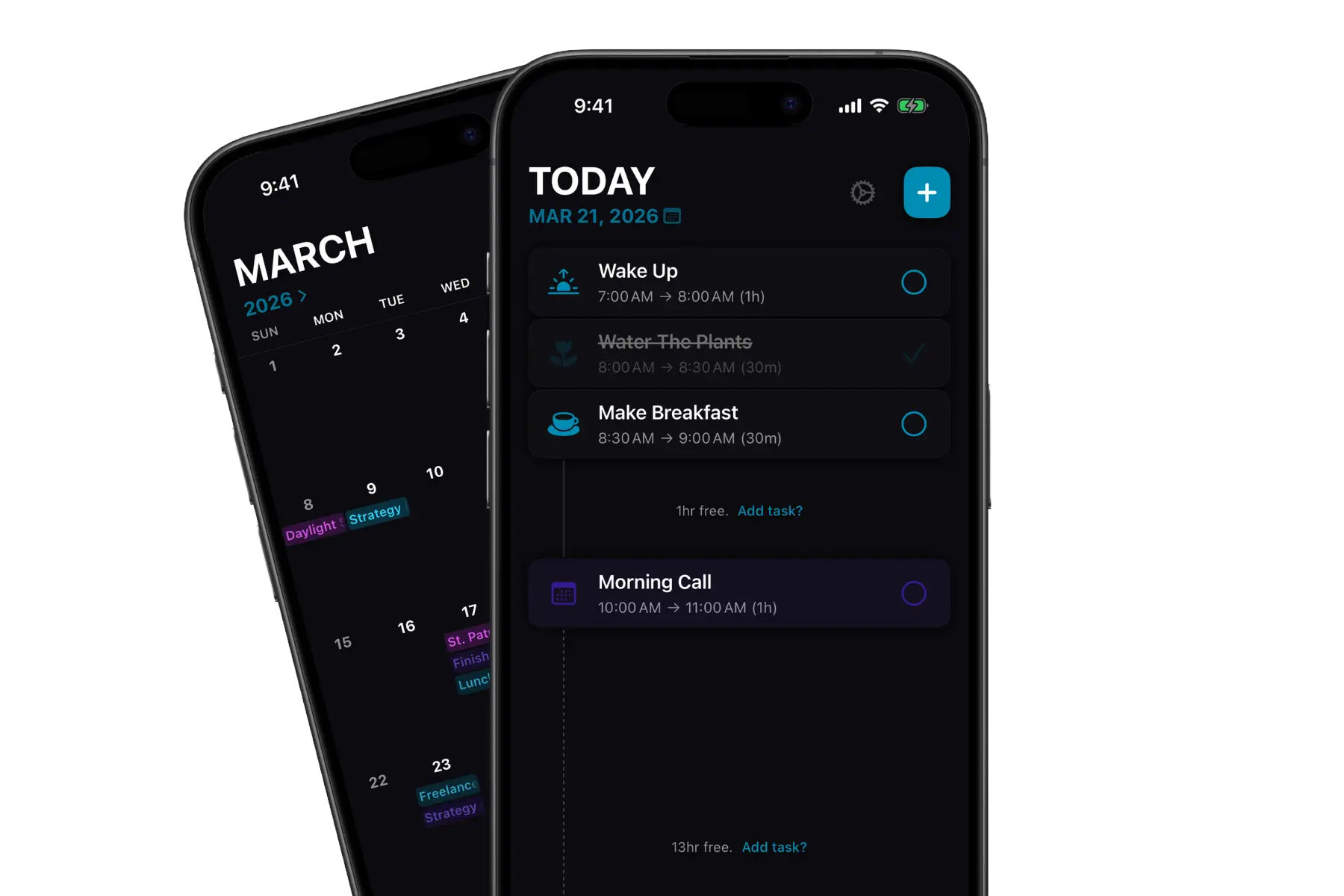
Day View
The timeline scales dynamically around your schedule. Busy days compact to fit everything in, quiet days breathe. Free time is visible at a glance, so you can make the most of it.
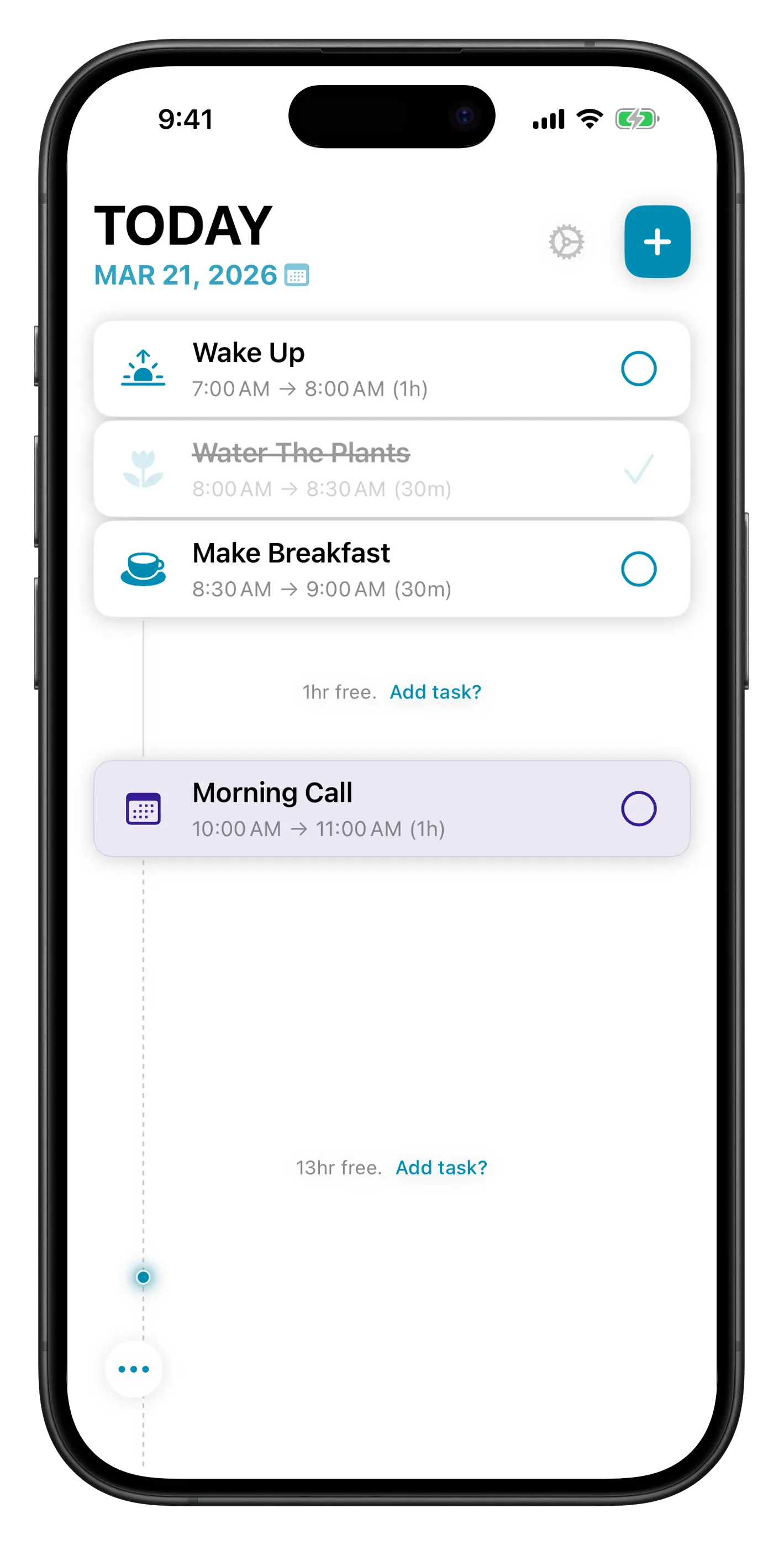
Month View
See all your tasks and calendar events laid out across the full month, with multi-day events spanning the days they cover.
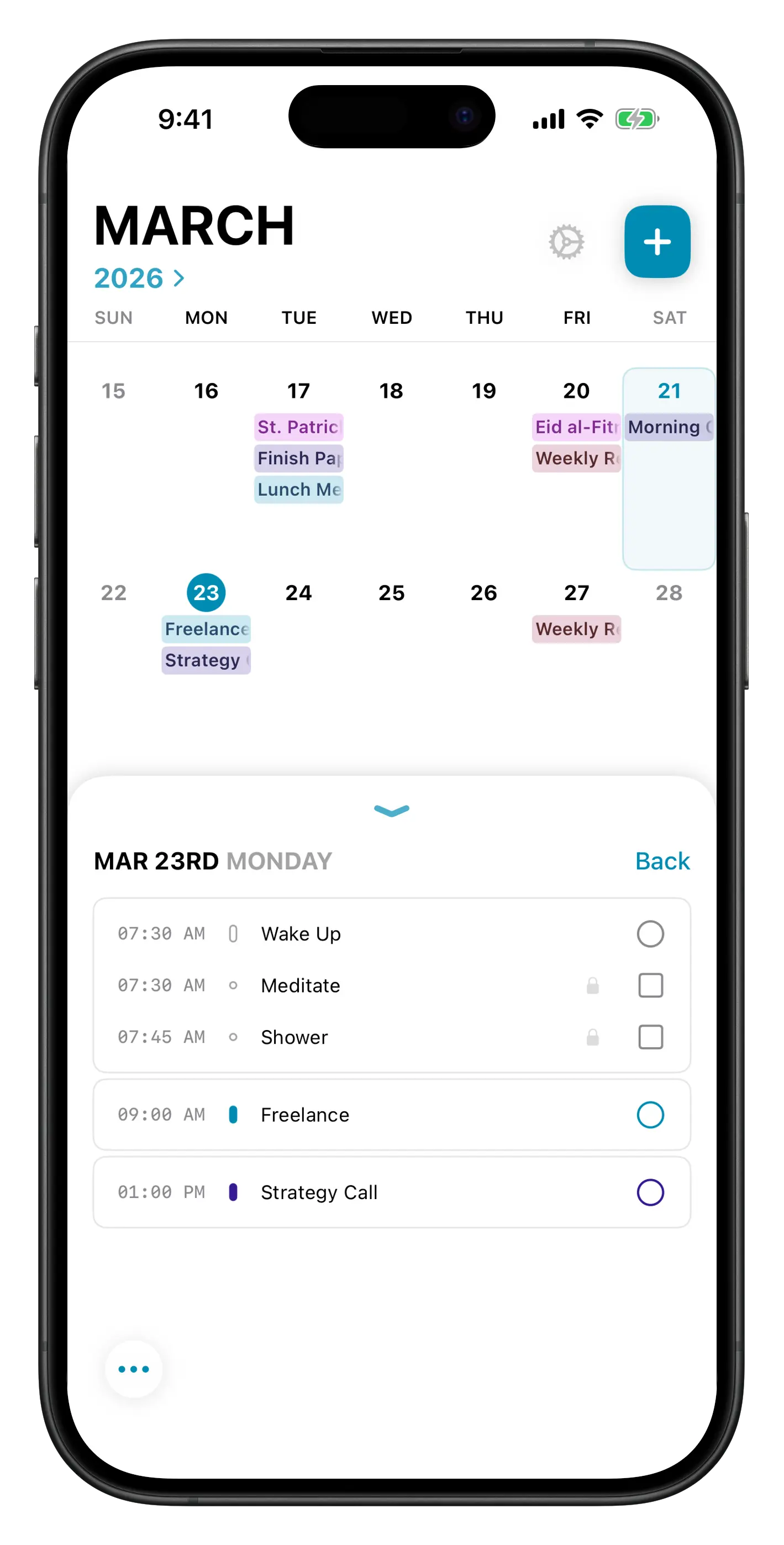
Works everywhere you do
Your tasks sync automatically across all your devices via iCloud. Pick up on Mac where you left off on iPhone, without thinking about it.
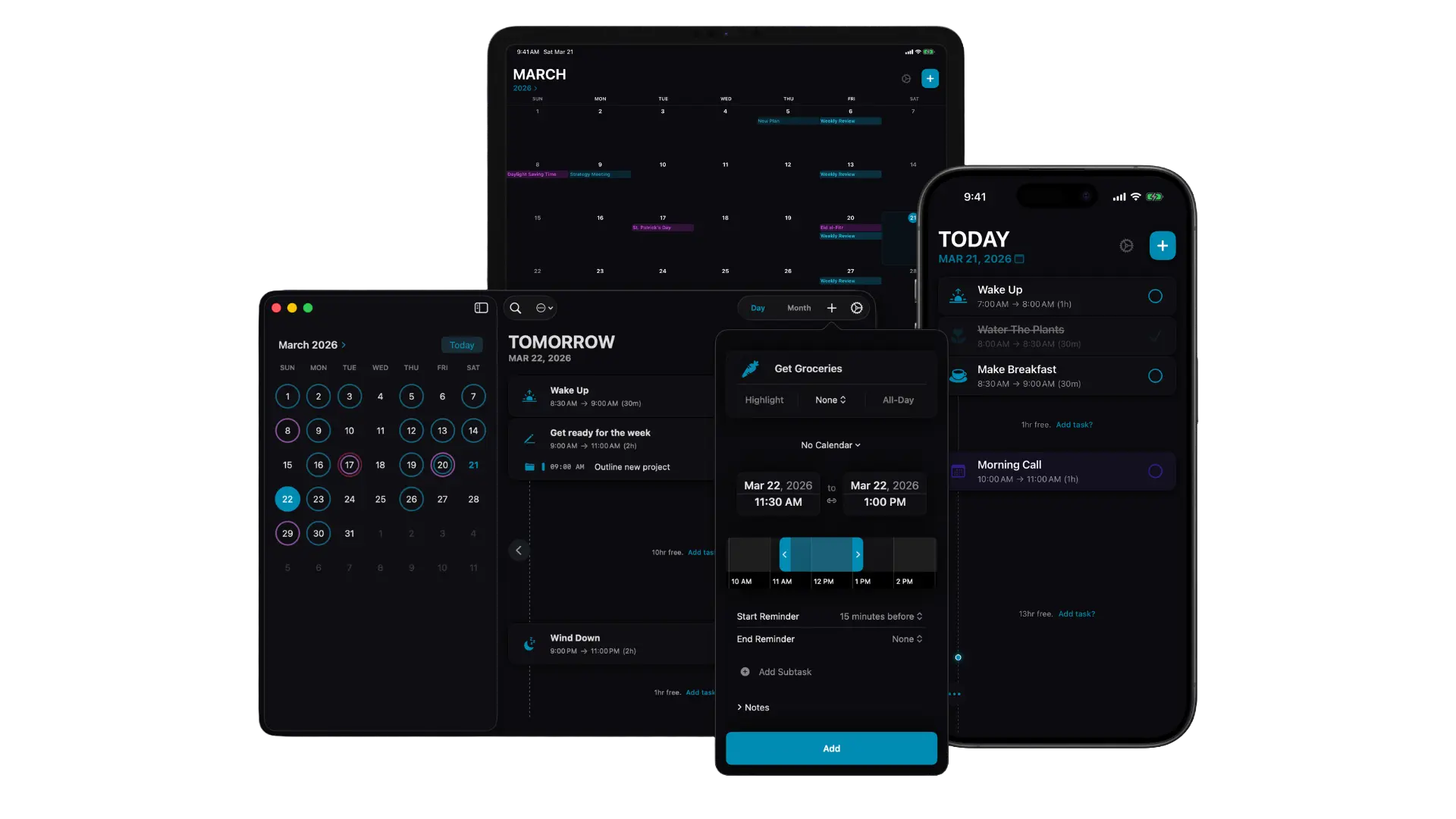
Two-way sync with Google Calendar, iCloud, Outlook, and more. Events appear right alongside your tasks.
Daily routines, weekly reviews, monthly check-ins. Set it once and it shows up when it should.
Mark important tasks to make them visually stand out. High-priority work never gets buried.
Now & Next, Today's List, and a Month Calendar widget keep you informed without opening the app.
Mac menu bar timers keep you locked in. Focus timers offer a current task countdown or a 25-minute timer.
Your data stays on your device and in your personal iCloud. No tracking, no ads, no accounts.
Download TimeGuide free and see why it's the daily planner that finally fits the way you think.
Free trial · One-time purchase for lifetime access